← All engines
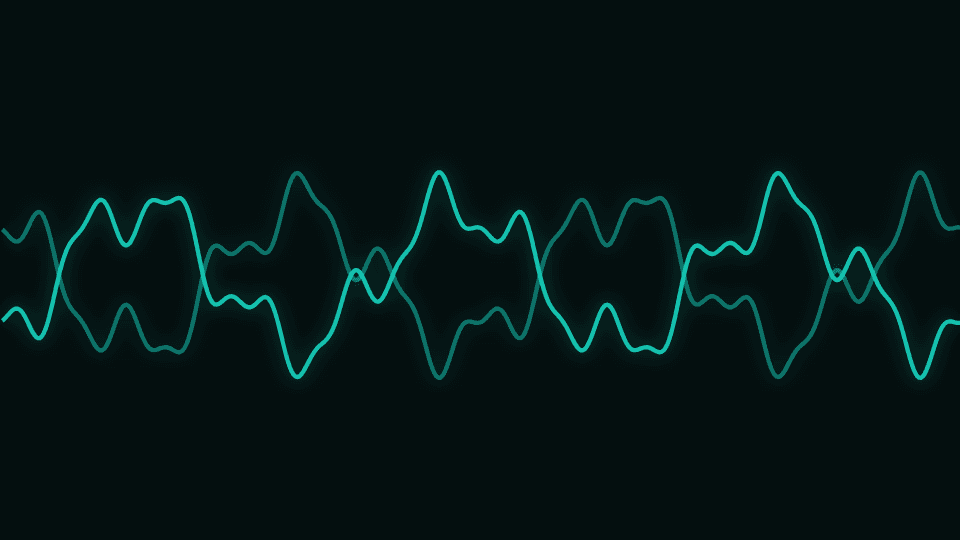
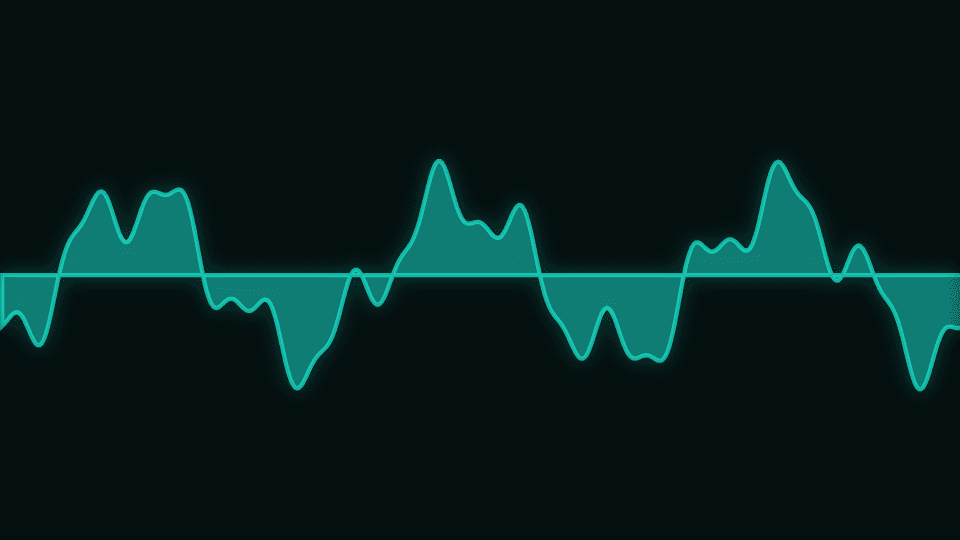
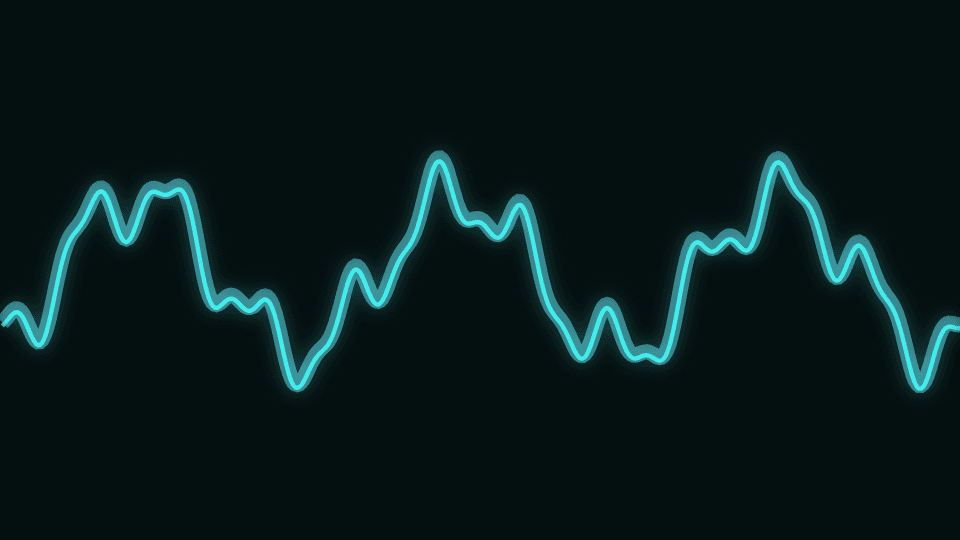
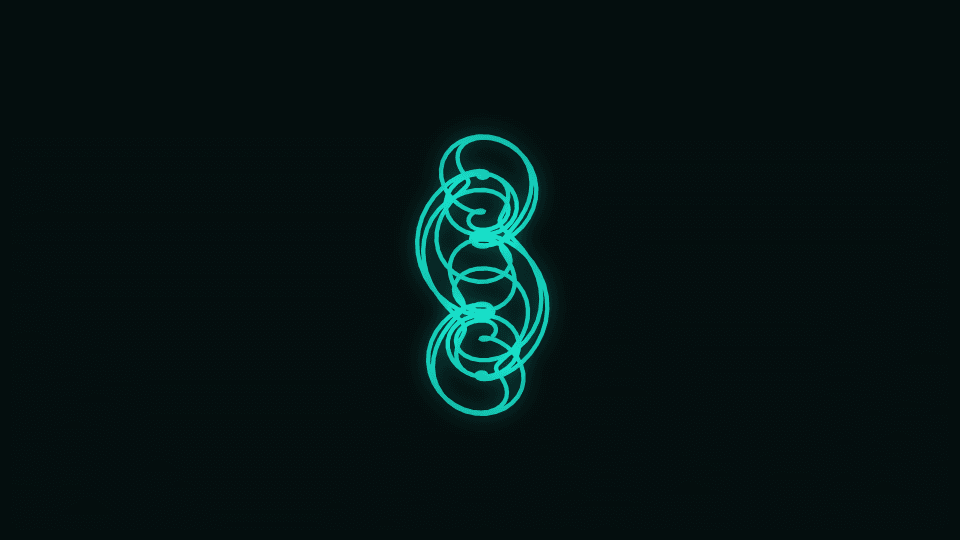
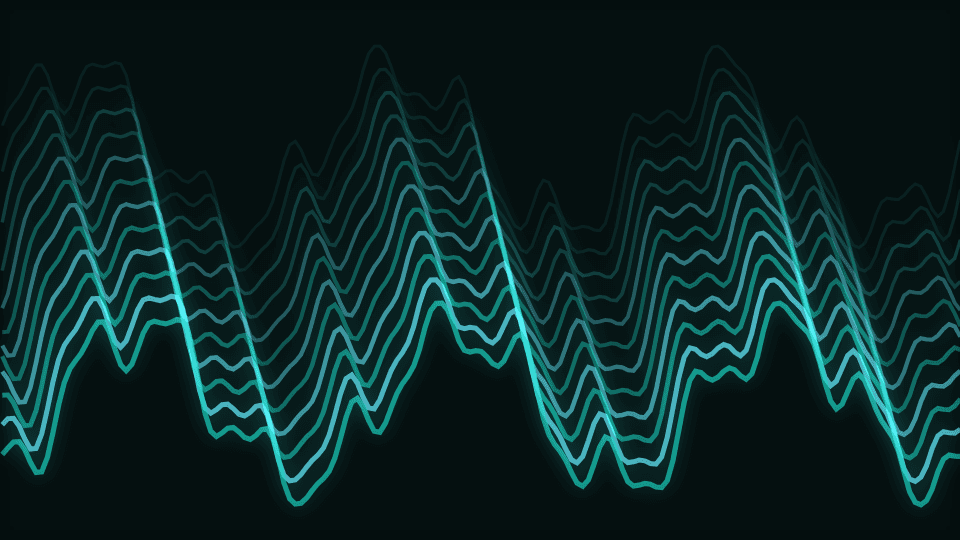
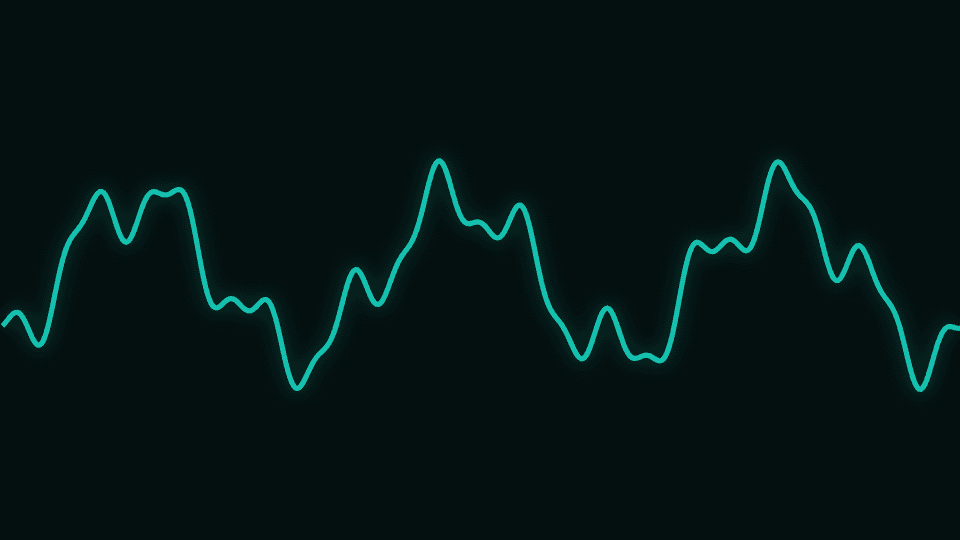
Waveform
Time-domain lines, fills, ribbons, XY scopes, and historical surfaces.
Launch modes
Controls
| Control | Group | Type | Default | Animation | Audio |
|---|---|---|---|---|---|
| Primary colorPrimary color used by the engine palette | Style | color | #14b8a6 | Yes | No |
| Secondary colorSecondary color used by the engine palette | Style | color | #67e8f9 | Yes | No |
| BackgroundBackground used by the engine palette | Style | color | #030a0a | Yes | No |
| OpacityVisualizer opacity | Transform | range | 1 | Yes | No |
| Frame marginBreathing room kept clear at the frame edges. Audio-driven geometry is soft-limited to fit inside it; geometry scale deliberately is not | Transform | range | 0.035 | Yes | No |
| SensitivityBounded overall audio response | Audio | range | 1 | Yes | No |
| Primary audio sourcePrimary audio source | Audio | select | bass | No | No |
| Audio contributionMaximum contribution from the primary audio route | Audio | range | 0.55 | Yes | No |
| Audio dynamicsHow much of the band's movement reaches the visual. 1 = full dynamics; 0 holds it at a steady level for a calmer, more constant look | Audio | range | 1 | Yes | No |
| Audio attackEnvelope attack in milliseconds | Audio | range | 45 | Yes | No |
| Audio releaseEnvelope release in milliseconds | Audio | range | 240 | Yes | No |
| Geometry scaleGeometry scale | Geometry | range | 1 | Yes | Yes |
| ThicknessThickness | Geometry | range | 2 | Yes | Yes |
| SpeedTime-based motion; default major cycle is 6–12 seconds | Motion | range | 0.1 | Yes | Yes |
| Color modeDuo palette, primary→secondary gradient, or full rainbow sweep | Style | select | duo | No | No |
| GlowGlow | Effects | range | 0.55 | Yes | Yes |
| Global glowShared emissive strength across the frame | Effects | range | 0.35 | Yes | Yes |
| Pulse intensityBeat pulse scale for spawn, size, and shake | Effects | range | 1 | Yes | Yes |
| Beat responseHow hard every engine hits on each detected beat | Audio | range | 1.2 | Yes | Yes |
| Beat smoothingHow long each beat hit rings out before it settles | Audio | range | 0.35 | Yes | Yes |
| Beat attackSeconds for a hit to swell to full. 0 snaps instantly | Audio | range | 0 | Yes | Yes |
| Beat releaseSeconds for a hit to fade, overriding Beat smoothing. 0 follows it | Audio | range | 0 | Yes | Yes |
| Beat shakeFrame kick strength on each beat | Effects | range | 0.6 | Yes | Yes |
| Motion echoMotion echo | Effects | range | 0 | Yes | Yes |
| BlurBlur | Effects | range | 0 | Yes | Yes |
| Chromatic aberrationChromatic aberration | Effects | range | 0 | Yes | Yes |
| Beat sync allRoute beat energy into spawn, shake, pulse, speed, and scale | Audio | boolean | true | No | No |
| GainGain | Waveform | range | 1 | Yes | Yes |
| SmoothingSpatial smoothing across neighbouring samples | Waveform | range | 0.55 | Yes | Yes |
| Wave windowHow much of the previous frame's wave is carried into this one | Waveform | range | 0.55 | Yes | Yes |
| PhasePhase | Waveform | range | 0 | Yes | Yes |
| Ribbon depthRibbon depth | Waveform | range | 0.12 | Yes | Yes |
| Surface history3D surface history lines | Waveform | range | 48 | Yes | No |