 6 modes
Particles
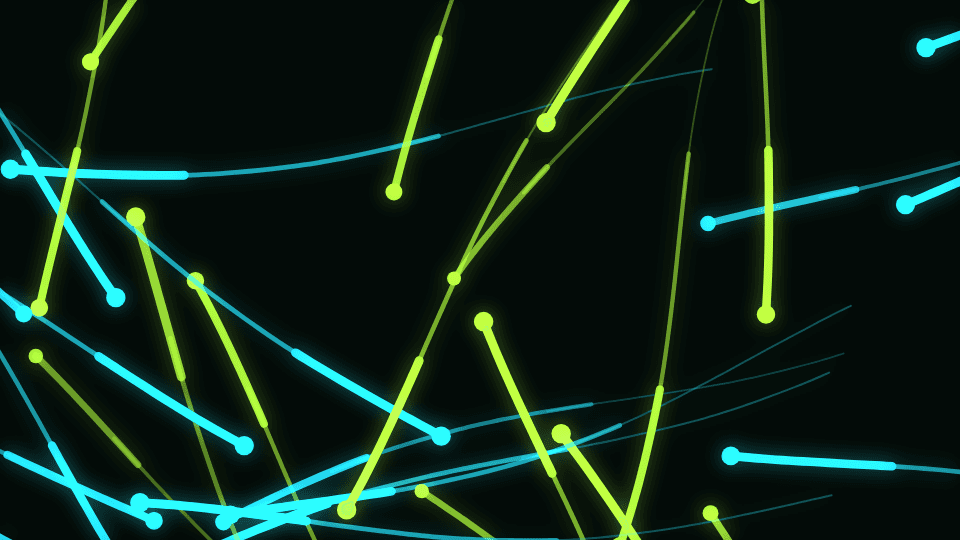
Layered point, path, area, and volume emitters with calm time-based motion.
- Particles & Motion
- Heavy load
- One pass to taste
- Dust Storm
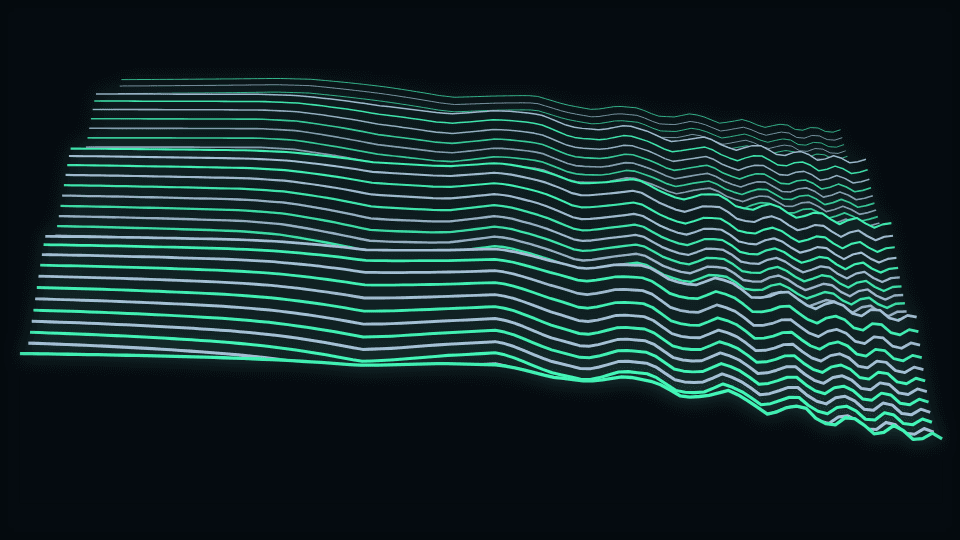
- Waterfall
- Starfield
- Fountain Burst
- Orbit Swarm
- Constellation
One engine system
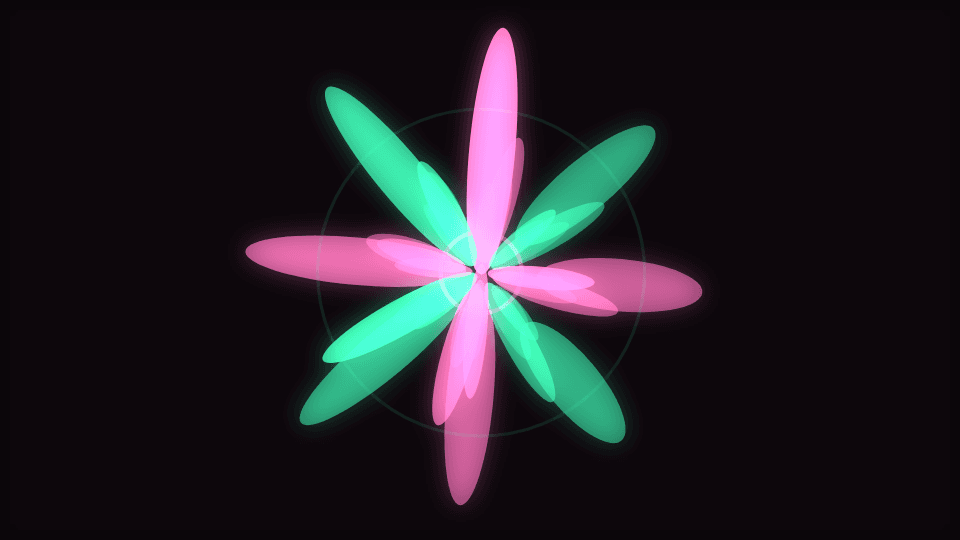
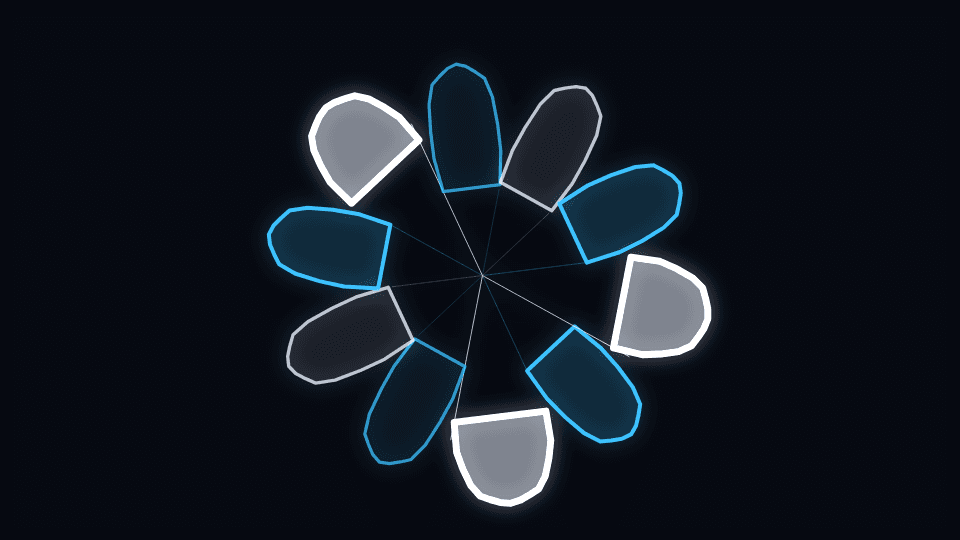
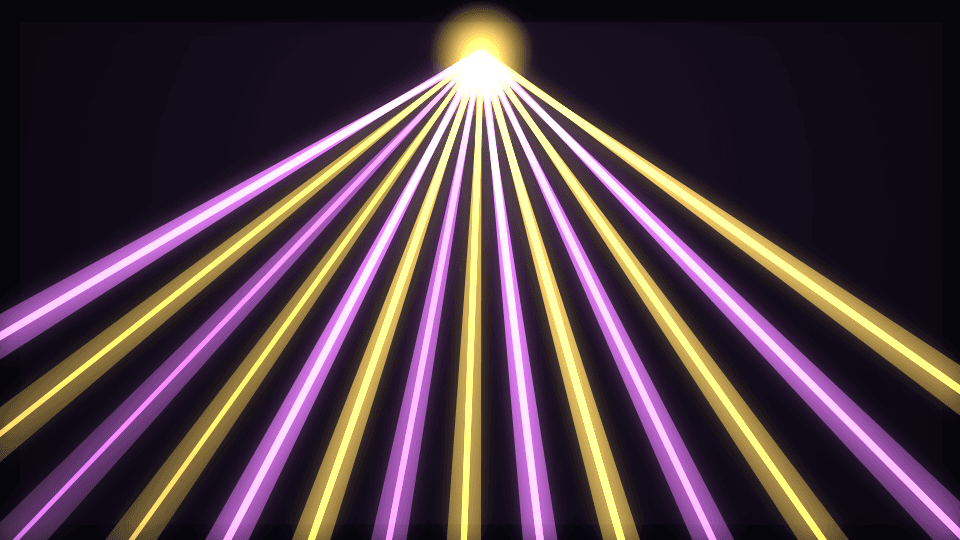
Each template is an engine, not a pile of near-duplicates. Choose a mode, then reshape its geometry, motion, audio routes, layers, and effects in Classic or Studio.
Curated setups
Each one is an engine and a mode with a handful of controls moved for a particular delivery format. Open it to see the values on the canvas, or take it straight into the editor with the changes carried across. Free, no account, no watermark — creation and export run in your browser.
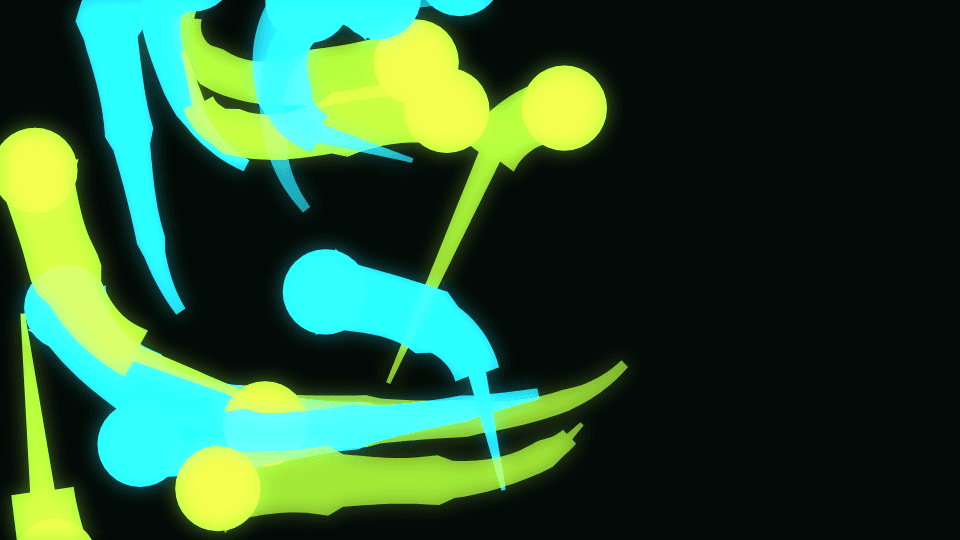 YouTube · 16:9 · 1920 × 1080
Heavy feedback and a near-still flow field keep a ten-minute upload watchable instead of exhausting.
 Short / Reel · 9:16 · 1080 × 1920
A harder beat response and pill caps survive being watched at arm's length with the sound off.
 Album Canvas · 9:16 · 1080 × 1920
A slow growth rate and a wide blur make an eight-second loop look intentional rather than clipped.
 Podcast clip / stream
Speech has far less energy than a mix, so the gain goes up and the smoothing stops it stuttering between syllables.
 Cover art · 1:1 · 1080 × 1080
Bigger artwork with five reacting rings keeps the centre legible while the frame still moves.
 YouTube · 16:9 · 1920 × 1080
Depth and fog give the rings somewhere to come from, so a beat reads as approach rather than a flash.
Put any two engines side by side on the same bundled loop — same analyser frame, same instant — and compare the guided Classic editor with the Studio node workstation on the same project.
Open the comparisonClassic, Studio, previews, stills, and exports read the same versioned document.
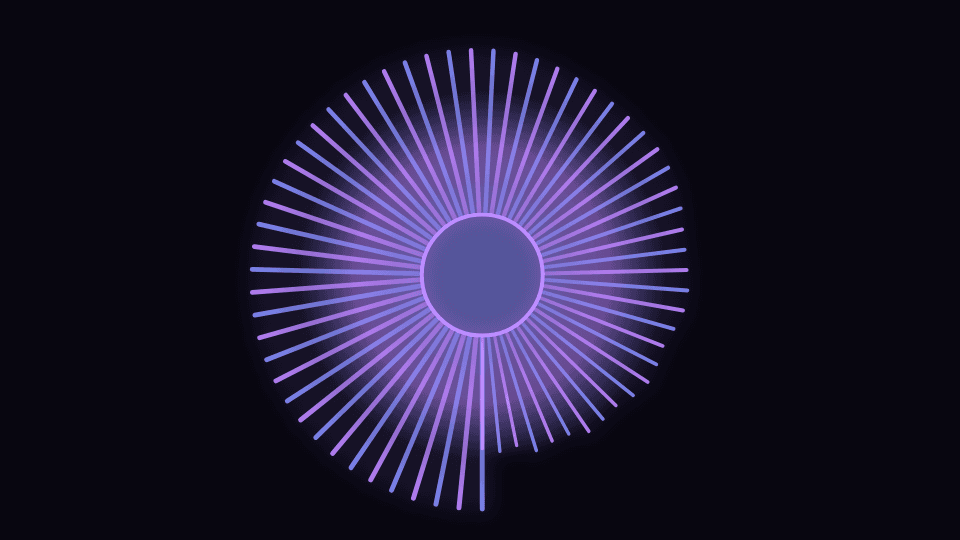
Shape, scale, segments, thickness, and symmetry are first-class controls — not locked presets.
Bind motion and effects to bass, mid, treble, beat, onset, and BPM phase.
Preview and offline export share the same clock, audio frame, and engine configs.