Meet the Novus Visualizer Engines: A Guided Tour of All 60 Looks
A tour of all ten Novus engines — Particles, Trails, Bloom, Character Motion, Radial, Spectrum, Bars, Tunnel, Waveform and Logo — with a standout mode for each.
Novus Team9 min read
Every Novus scene is drawn by one of ten engines — Particles, Trails, Bloom, Character Motion, Radial, Spectrum, Bars, Tunnel, Waveform and Logo — and each engine ships six modes, for 60 distinct looks in total. An engine is a way of turning sound into picture; a mode is a personality within that way. This post is the full tour: what each engine is good at, when to reach for it, and one highlight mode worth trying first.
Everything in the template gallery opens in both editors — the guided Classic editor and the node-based Creator Studio — and every engine speaks the same control language: Color Mode (a two-color duo, a gradient, or the full rainbow spectrum), Beat Response, Pulse Intensity, Shake Amount, Rotation Speed, glow and chromatic aberration. Whatever you learn tuning one engine transfers straight to the other nine.
How the catalog is organized
Each engine has its own gallery page — Particles, Tunnel and so on — listing its six modes, and you can deep-link a single look with a mode query like /templates/radial?mode=logo-crown. Beat sync behaves identically everywhere: a discrete, visible hit lands on every beat, deterministically, so your export matches the preview frame for frame. With the ground rules set, here is the tour.
The ten engines, one by one
Particles
Particles fills the frame with thousands of independent points that drift, fall and burst with the music. Its modes are dust-storm, waterfall, starfield, fountain-burst, orbit-swarm and constellation. It is the most forgiving engine in the catalog — texture and energy without demanding the viewer's full attention — which makes it a safe default for almost any genre. Highlight mode: fountain-burst, which fires a plume of particles upward on every beat and stays legible even at phone size.
Trails
Trails draws moving heads that leave glowing paths behind them — motion with memory. Modes: comet-shower, snake-braid, orbit-trace, flow-field, echo-streaks and ribbon-flow. Because the last few seconds of movement stay faintly visible, Trails flatters melodic, flowing music where you want gestures to linger instead of vanish. Highlight mode: flow-field, which steers hundreds of streaks through an invisible current that bends as the track's energy shifts.
Bloom
Bloom is the organic-growth engine: shapes germinate, spread and blossom in step with the song. Modes: petal-bloom, ink-diffusion, cellular-growth, vine-mycelium, crystal-growth and ripple-blossom. Growth reads as calm and alive rather than percussive, so Bloom suits ambient, acoustic, neo-classical and slow-burn tracks that would feel bullied by a harder look. Highlight mode: ink-diffusion — pigment spreading through water, with each beat pushing fresh ink into the frame.
Character Motion
Character Motion makes characters — letterforms and figures — the visualizer itself. Modes: glyph-field, word-wave, ascii-cascade, crowd-clone, 2d-puppet and 3d-performer. The word-wave mode has an editable Display Text field, so your artist name or track title can literally ride the music, while the figure modes (crowd-clone, 2d-puppet, 3d-performer) move on the beat for a playful, personality-forward energy. Highlight mode: word-wave — type your title once and it becomes the scene.
Radial
Radial arranges everything around a center point: orbs, rays, rings and mandalas breathing outward from the middle. Modes: pulse-orb, sunburst, logo-crown, mandala, concentric-rings and orbit-halo. Center-weighted composition makes Radial the natural pick when one element should anchor the frame. Highlight mode: logo-crown, the Logo Visualizer — upload a logo and a radial EQ ring reacts around it while a center safe zone keeps your mark untouched. We walk through it step by step in Make a Logo Visualizer.
Spectrum
Spectrum plots the actual frequency content of the track — bass at one end, treble at the other — as lines, surfaces and terrain. Modes: line-spectrum, mirrored-area, spectrogram-waterfall, frequency-ridge, spectral-mesh and ribbon-surface. It is the most literal engine: viewers can watch the kick, the vocal and the hats as separate shapes. Highlight mode: spectrogram-waterfall, which scrolls the recent spectrum away into a glowing history so the whole arrangement leaves a visible wake.
Bars
Bars is the classic equalizer, modernized. Modes: linear-equalizer, center-mirror, stacked-bands, piano-step-grid, 3d-columns and radial-bars. Nothing says “this video is music” faster than bars jumping on the beat, which is why the engine works equally well for DJ sets, lyric channels and podcasts. Highlight mode: stacked-bands — LED-style segments with a floor reflection, equal parts hi-fi hardware and festival stage.
Tunnel
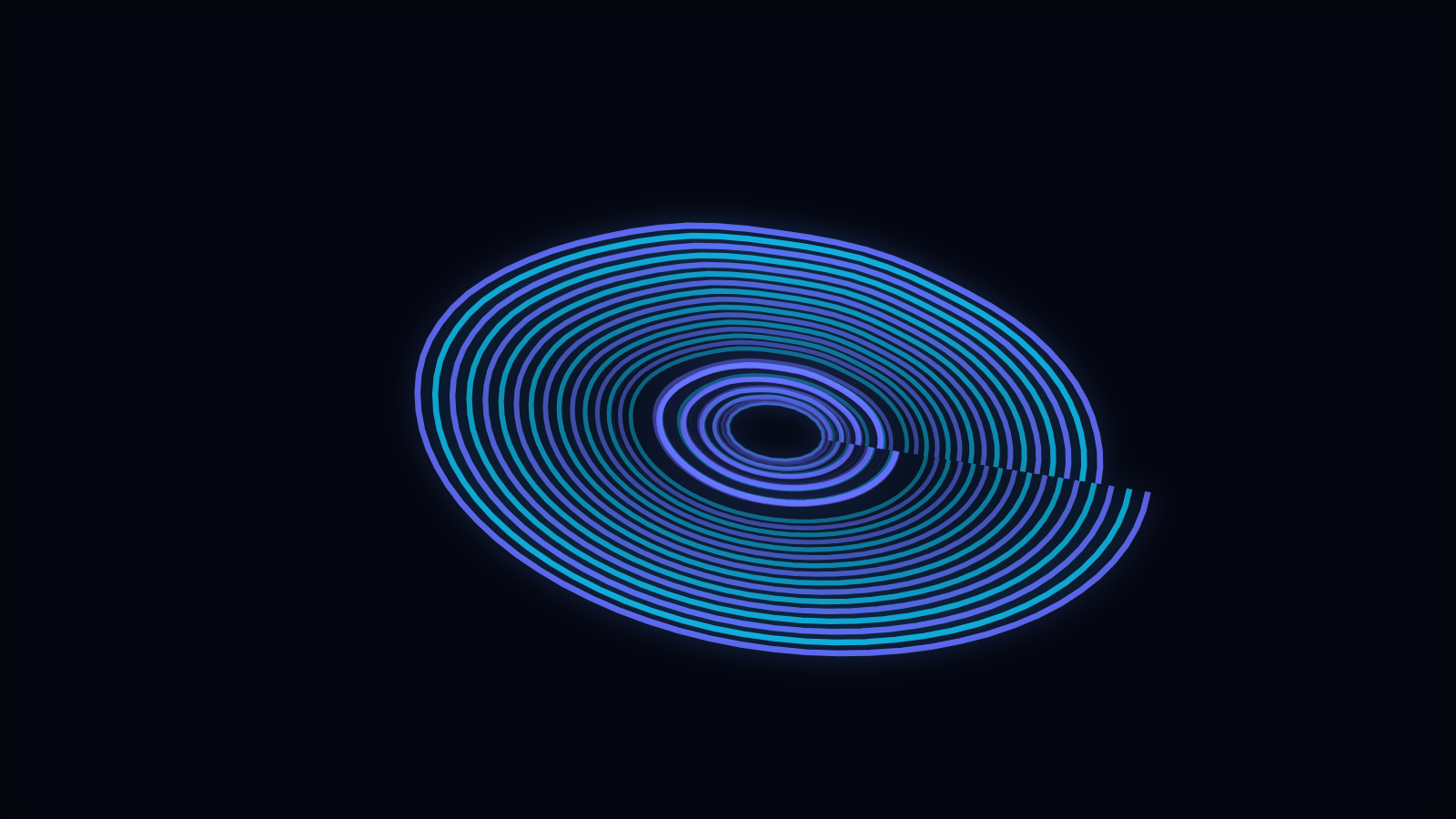
Tunnel pulls the camera through space — rings, grids and vortices rushing past in time with the track. Modes: concentric-rings, corridor-grid, warp-field, spectrum-tube, waveform-tube and particle-vortex. Forward motion delivers instant momentum, which is why Tunnel is a favorite for electronic music and anything that builds toward a drop. Highlight mode: warp-field — a stars-at-lightspeed rush where every beat kicks the throttle.
Waveform
Waveform draws the signal itself: the oscillating line every musician recognizes. Modes: line, mirrored, filled, ribbon, oscilloscope-lissajous and 3d-surface. It is the minimalist's engine — clean, honest and legible at any size — and a great fit for podcasts, singles and understated brands. Highlight mode: oscilloscope-lissajous, which bends the signal into looping figures straight off vintage lab hardware.
Logo
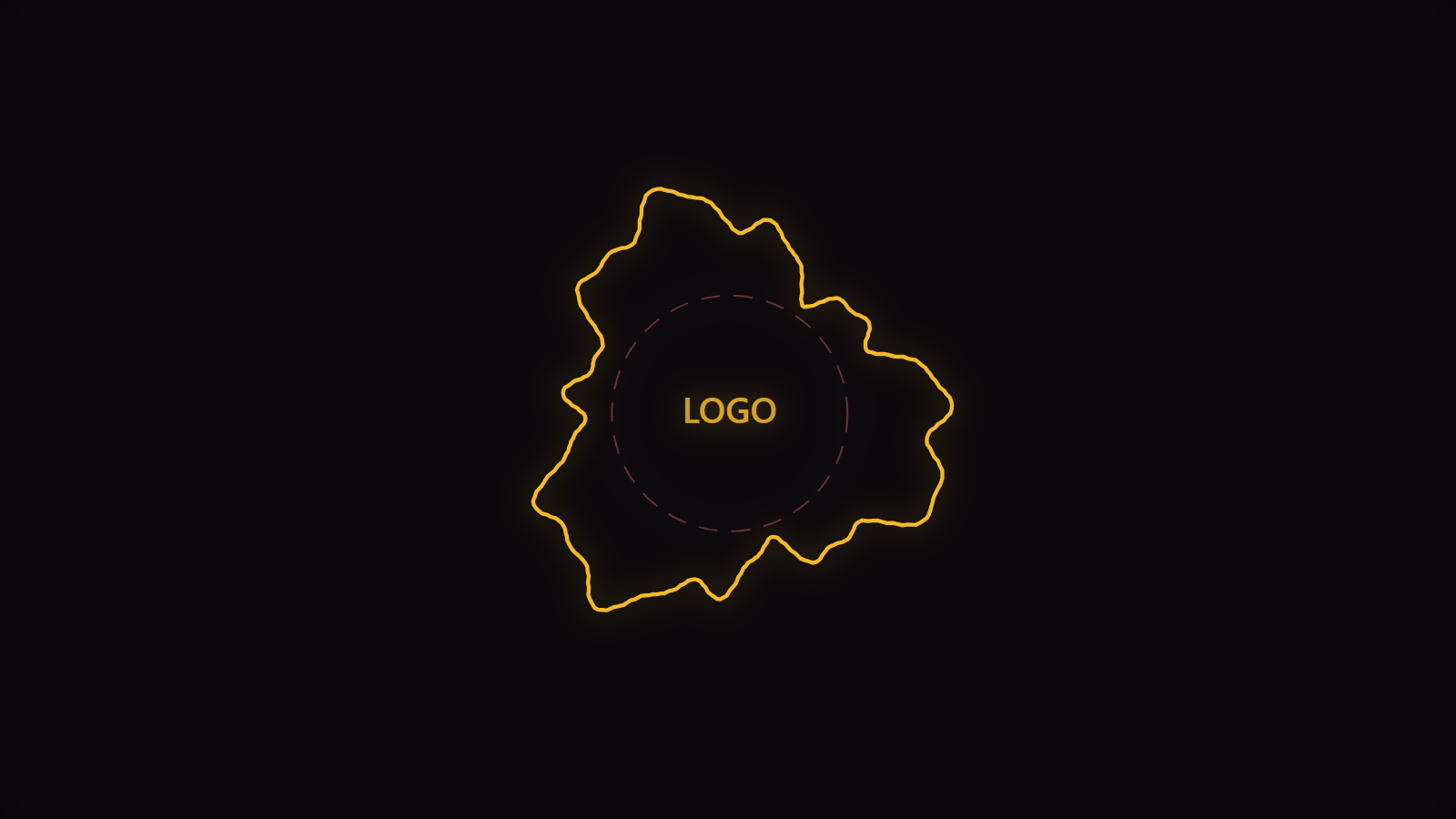
Logo builds the whole scene around your artwork instead of pasting it into a corner. Modes: waveform-ring, spectrum-halo, orbiting-bars, particle-aura, pulse-frame and kinetic-reveal. Every mode reserves a safe zone in the middle and grows its geometry outward from the edge of that zone, so the mark stays clear no matter how loud the track gets — upload a logo, and the reaction happens around it. This is the engine for label idents, artist stingers and anything where the brand is the subject rather than the decoration. Highlight mode: waveform-ring, where the outline itself is the waveform, so the ring around your logo is literally the shape of the sound.
Choosing in under a minute
- Energy without a focal point? Particles or Trails.
- Want the music itself visible? Spectrum, Bars or Waveform.
- Building around your own artwork? Logo.
- Need a centerpiece — an orb, a mandala? Radial.
- Depth and momentum? Tunnel.
- Words or characters on screen? Character Motion.
- Calm, organic motion? Bloom.
Genre sharpens the choice further — we map styles to music in Choosing the Right Visualizer Engine for Your Genre. And because every mode is a template, the cost of being wrong is one click: open a different look and your track, colors and beat settings come along.
Take the tour yourself
Browse the full gallery, open anything in the editor, and flip between two or three engines on the same song — identical audio, completely different motion is the fastest way to find your look. Exports are rendered in your browser as MP4 or WebM, up to 4K on desktop, free and watermark-free. When you have a favorite engine, Beat Sync Explained shows how to make it hit harder.
Reviewed by the editorial team. Report a correction.
Keep reading
Was this page helpful?
Anonymous. Only this page’s address and your yes/no are recorded, and only if you allowed analytics cookies.
Ready to make your own?
Open the editor, drop in a track, and export a watermark-free video — free, no account.
Open the Editor