Choosing the Right Visualizer Engine for Your Genre
EDM, lo-fi, ambient, rock or lyric-led — a practical guide to matching a visualizer style to your track, with engine picks and color-theme tips for each.
Novus Team9 min read
Novus ships ten visualizer engines — Particles, Trails, Bloom, Character Motion, Radial, Spectrum, Bars, Tunnel, Waveform and Logo — and every engine comes in six modes, for 60 distinct looks. That is still a lot of choice, and staring at the full template gallery can be paralyzing. The shortcut is to start from your music: the genre, tempo and energy of a track narrow the field fast. This guide maps common genres to specific engines and modes so you can jump to a short list instead of scrolling forever.
Why engine choice matters
As we cover in How Music Visualizers Work, every engine reads the same audio measurements — it just draws them differently. A spectrum engine turns bass into bar height; a particle engine turns the same bass into a burst of sparks. So the question is never “which engine is best” in the abstract — it is “which mapping flatters this song.” Match the visual language to the mood of the music and the result feels intentional; mismatch it and even a technically-perfect render feels off.
EDM, bass music and electronic
High-energy electronic music lives and dies on the drop, so you want engines that hit hard on the bass and explode on the beat. Reach for Bars or Spectrum for classic EQ energy — Center Mirror and Mirrored Area slam symmetrically on every kick — or Particles for scenes that erupt on cue, with Fountain Burst firing arcs on each beat. Crank Beat response up and add a little Beat shake so the visuals stay punchy and percussive.
Hip-hop and lo-fi
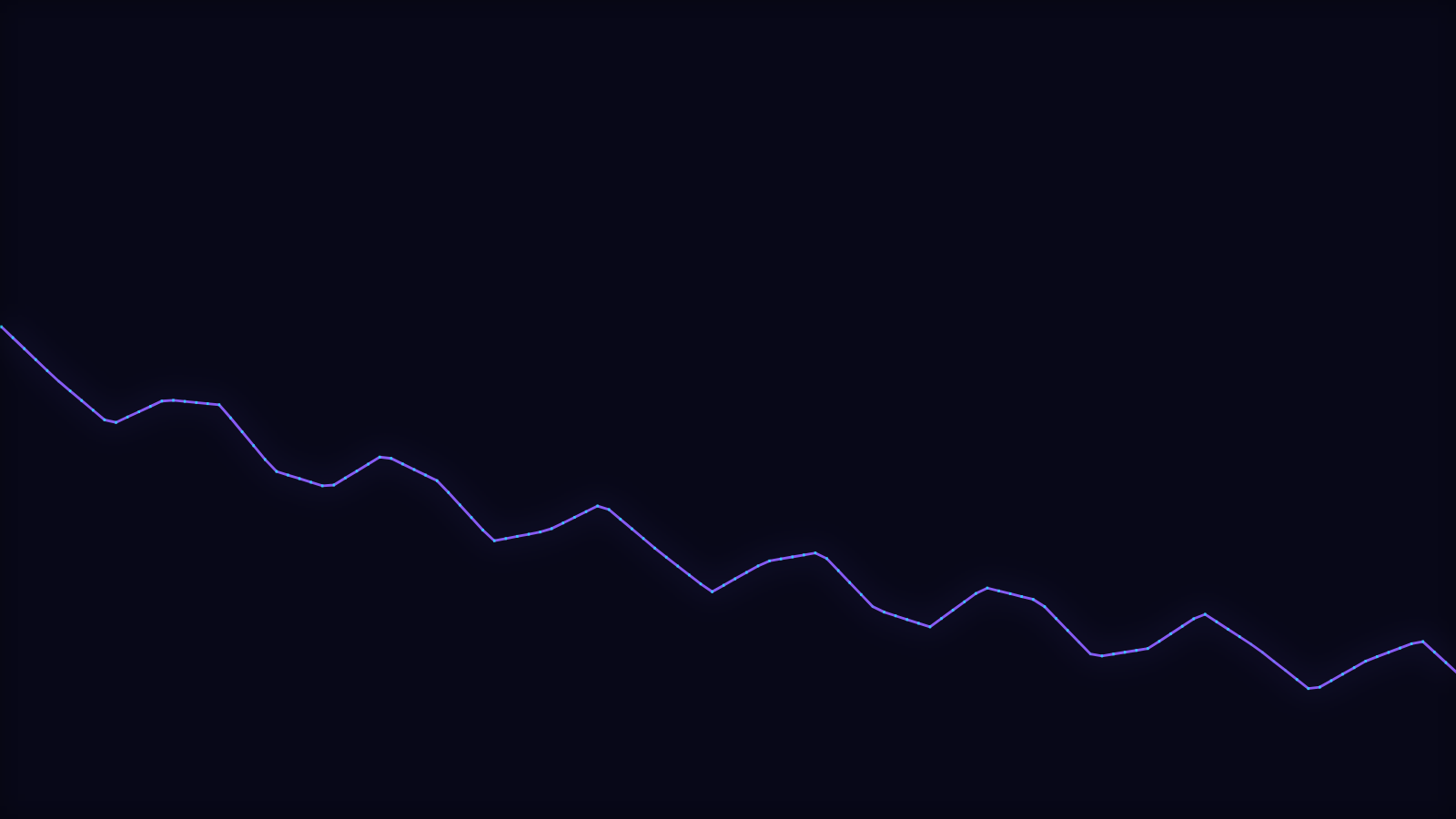
Hip-hop wants weight without chaos: a strong, steady bass response and a look with attitude. Spectrum works well, and the LED-wall look of Stacked Bands — bass, mids and treble stacked per column — nails the retro EQ attitude. A slower, moodier lo-fi beat pairs beautifully with the drifting motion of Bloom (try Ink Diffusion) or the lazy currents of the Trails engine's Flow Field. Ease Beat response down a little so the visuals lean back into the pocket rather than twitching on every hat.
Ambient and cinematic
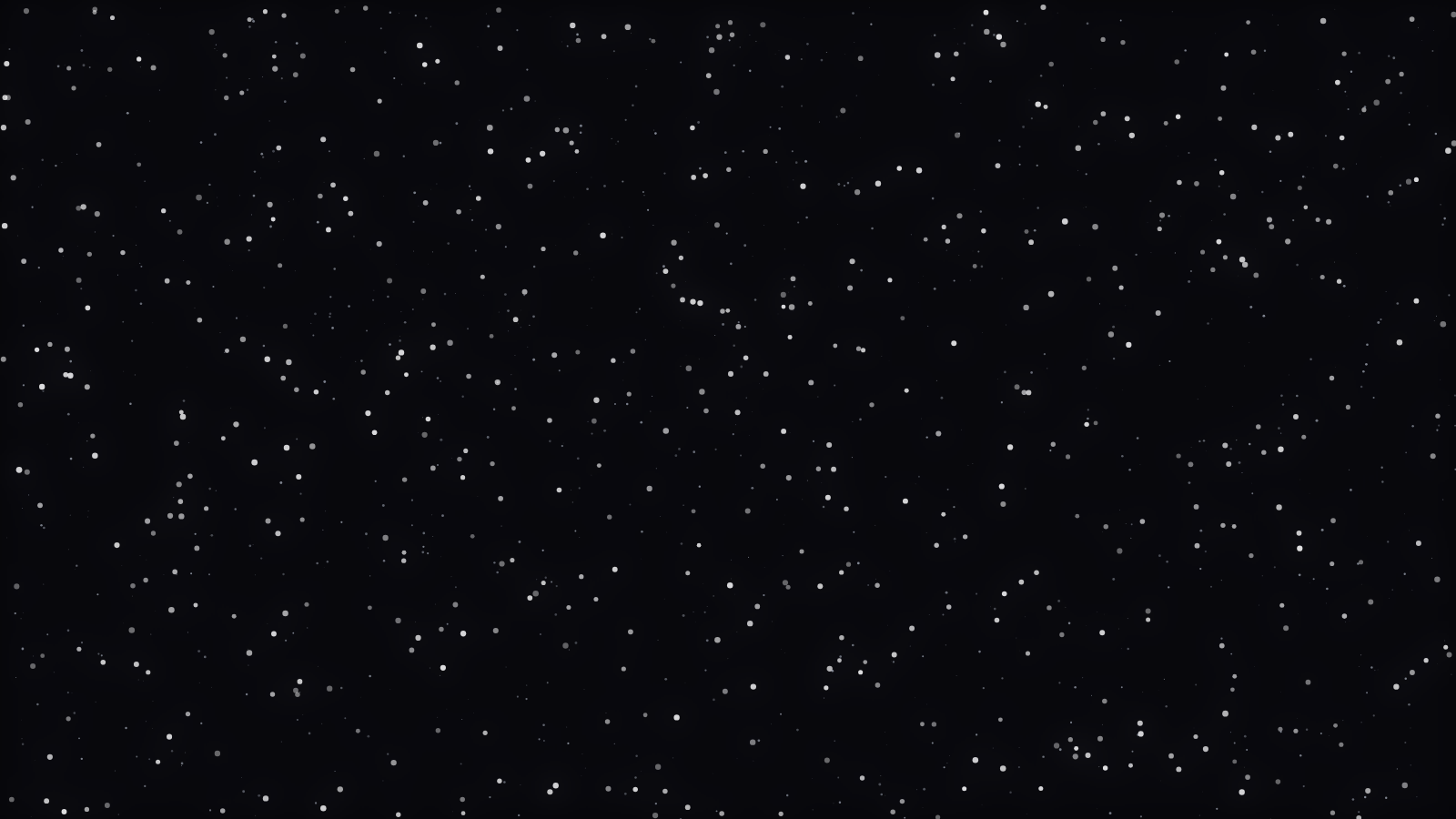
Atmospheric, slow-evolving music calls for scenes that breathe. The Particles engine's Starfield and Orbit Swarm modes — drifting stars, slow orbits — are tailor-made for it, and the Tunnel engine adds real depth to a pad-driven track. Keep Beat response gentle and Sensitivity low so the imagery swells and recedes instead of snapping.
Rock, metal and live recordings
Guitar-driven music has broadband energy — there is content across the whole spectrum at once. Full-spectrum Bars match that intensity, and the streaking motion of Trails — Comet Shower and Echo Streaks especially — feels raw and physical, which reads as “live.” Keep Beat response high; rock masters usually have enough dynamic range to avoid strobing.
Vocal-led and lyric-forward tracks
If the voice is the star, let the visuals carry words. The Character Motion engine renders titles and lyrics as first-class motion — Word Wave deforms whole words along a beat-mapped baseline, while Glyph Field sends individual characters traveling through the frame — and you can layer synced captions over any other scene. For a full walkthrough, see How to Make a Lyric Video That Actually Syncs.
Six modes per engine
Every engine ships six modes — the same audio plumbing, six different drawings. Waveform runs from a clean Line to a lit 3D Surface; Bars goes from a flat Linear Equalizer to beveled 3D Columns. And because all ten engines share one control set — Color mode (duo, gradient or a full-spectrum rainbow), Beat response, Pulse intensity, Beat shake, Rotation and Glow — anything you learn tuning one engine transfers straight to the other nine. When in doubt, start with an engine's default mode and step through the rest until one clicks. The engine library breaks each one down.
Rule of thumb
Faster, busier track → cleaner mode (a Line Spectrum or Linear Equalizer) so the motion stays readable. Slower, spacious track → deeper mode (a Warp Field tunnel or a drifting Starfield) so there is something to watch between the hits.
Matching color themes to mood
Style is half the picture; color is the other half. Warm palettes (amber, magenta) feel energetic and intimate; cool palettes (cyan, violet) feel spacious and modern; high-contrast neon reads as club energy. Every engine has a Color mode — a two-color duo, a primary-to-secondary gradient, or a full-spectrum rainbow — so you can keep a favorite engine and re-skin it per release to stay on-brand; the recoloring tutorial shows how.
Where to start
Pick the engine that matches your genre above, open three or four of its modes on your actual track in the editor, and let the music decide. Once a look clicks, From Upload to Export takes you the rest of the way to a finished file. And if you are curious why a given engine reacts the way it does, the engine docs in the visualizer library go engine by engine.
Reviewed by the editorial team. Report a correction.
Was this page helpful?
Anonymous. Only this page’s address and your yes/no are recorded, and only if you allowed analytics cookies.
Ready to make your own?
Open the editor, drop in a track, and export a watermark-free video — free, no account.
Open the Editor