The Style System: Color Modes, Glow and Effects That Work on Every Engine
Color mode, glow, blur, chromatic aberration and motion echo apply the same way across all ten engines. Here is what each one does and the order they composite in.
Novus Team8 min read
Two producers can pick the same engine, the same mode and the same track and end up with videos that look nothing alike. The difference is almost never the engine — it is the handful of style and effect controls that sit on top of it. Those controls are shared: every one of the ten engines gets the same palette, the same color modes and the same effects stack, which means a look you develop once transfers everywhere.
That is worth more than it sounds. Build a palette and effects recipe for one release, and you can move it onto a different engine for the next track and keep the identity intact while the motion changes completely.
Two colors, three ways to use them
Every engine exposes Primary color, Secondary color and Background. What changes is how the two foreground colors get distributed, and that is Color mode:
- Duo — elements alternate between primary and secondary. High contrast, graphic, reads clearly at thumbnail size. The safest choice for branded work because your two brand colors stay literally your two brand colors.
- Gradient — elements blend from primary to secondary across the composition. Softer and more cohesive; good for anything that should feel continuous rather than sequenced.
- Spectrum — a full hue sweep across the elements, ignoring your two colors entirely. This is the rainbow reference look. Striking, and completely off-brand if you have a palette, so use it deliberately.
Pick the background first
Background is not just backdrop — the glow pass measures its brightness and fades additive glow out on light backgrounds, because additive light on a bright field is invisible anyway. If you want heavy glow, you want a dark background. If you want a light, airy, print-like look, expect to carry it with color and shape rather than glow.
The effects stack, in the order it composites
The effects are not per-element filters — they are full-frame passes applied after the engine finishes drawing, in a fixed order. That is why they cost almost nothing and why they look uniform across a whole scene instead of haloing individual shapes unevenly. Knowing the order tells you why some combinations fight each other.
- Blur — a single defocus pass that mixes a blurred copy of the frame back over the sharp one. Small amounts add a soft, filmic bloom to edges; large amounts turn the scene into abstract light, which is a legitimate look for backdrops behind text.
- Glow and Global glow — the emissive halo. Glow drives the effect; Global glow adds a shared emissive floor across the whole frame. Both feed one additive blurred blit, so they compound rather than layering separately.
- Chromatic aberration — splits the frame into offset color copies, the lens-fringing look. It also breathes with the beat, so a small amount reads as energy rather than as a static filter. A little goes a long way; past about 0.3 it stops reading as a lens and starts reading as a broken display.
- Motion echo — the odd one out, because it works between frames rather than within one. It holds back part of the previous frame instead of clearing it, so movement leaves trails. This is how you turn a sparse scene into a dense one without adding a single element.
Motion echo is the highest-impact control here
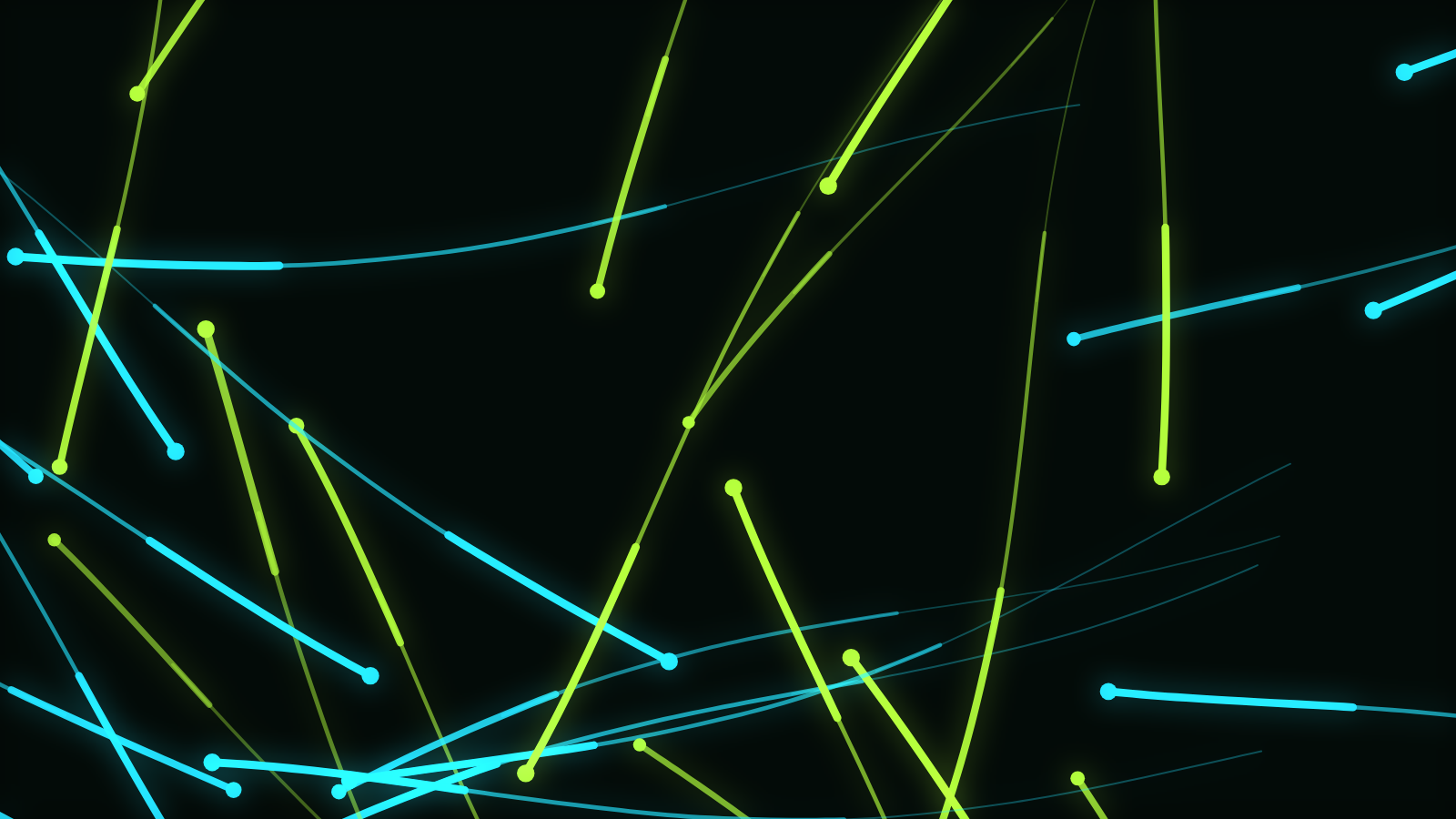
If you change one effect, change this one. At 0 every frame starts clean and the scene shows only what is happening right now. Push it up and the scene accumulates: particle paths become ribbons, a rotating ring becomes a spirograph, a bouncing bar field becomes a light-painting. Several catalog modes ship with it high on purpose — that is what makes Echo Streaks and Orbit Trace look the way they do.
It has one real hazard: echo and glow multiply. Persistence keeps a fraction of every frame, and glow makes what is kept brighter, so at high settings the frame can climb toward white. The renderer damps glow automatically when echo is high to keep that from running away, but if a scene is blowing out, echo and glow together are the first place to look.
Geometry: the shape of the thing itself
Geometry changes the primitive an engine stamps — circle, ellipse, line, polygon, star, square, triangle, rounded rectangle or soft glow. On a particle field this is the difference between dust (circle), snow (soft-glow), sparks (line) and confetti (square). It applies wherever an engine stamps discrete elements, which is Particles, Trails and Tunnel; the engines that draw continuous strokes use Thickness instead.
Geometry scale zooms the entire composition around the frame center. It is deliberately the one control that is allowed to push content past the frame edges, so if you want a scene to bleed off-screen — a huge tunnel mouth, a ring that overflows behind a logo — this is the control that will let you.
Building a reusable recipe
A house style is usually about five decisions: background, two colors, a color mode, a glow level and an echo level. Write them down once. Then when you start the next track, set those five first and choose the engine second — the release will hang together even though every video moves differently.
Check it at thumbnail size
Heavy glow and heavy echo both reduce contrast, and contrast is what survives being scaled down to a feed thumbnail. Shrink your preview to about the size of a postage stamp before you commit. If the shapes disappear into a haze, pull glow back rather than pushing colors harder.
Where this fits with the rest
These controls live in the Style, Geometry and Effects groups in the Classic editor, and per-layer in Creator Studio — same keys, same behaviour, so a look moves between them intact. For carrying that identity onto cover art and a Canvas loop, Designing Cover Art & Spotify Canvas Loops picks up where this leaves off; for choosing the engine underneath it, start from Meet the Novus Visualizer Engines.
Reviewed by the editorial team. Report a correction.
Keep reading
Was this page helpful?
Anonymous. Only this page’s address and your yes/no are recorded, and only if you allowed analytics cookies.
Ready to make your own?
Open the editor, drop in a track, and export a watermark-free video — free, no account.
Open the Editor