The Right Visualizer Mode for Every Genre: 54 Looks, Sorted
Genre-by-genre picks from all 60 looks — the best engine and mode for EDM, hip-hop, ambient, rock, pop and jazz, with Beat Response settings for each.
Novus Team7 min read
The Novus catalog is ten engines with six modes each — 60 distinct looks. That is small enough to browse in an evening and large enough to stall on, so this is the shortlist guide: for each genre, the two or three modes that reliably work, why they work, and how to set the shared controls so the scene moves the way the music feels. Every pick links straight into the template gallery, where hovering a card previews it live.
Two things before the picks. First, these are starting points, not rules — and the fastest way to test one against your own taste is the template page itself, which plays one of three built-in loops (at 124, 92 and 140 BPM) so you can judge reactivity at a tempo close to your track. Second, the same few controls do most of the work everywhere: Beat Response sets how hard the scene reacts to each beat, Pulse Intensity sizes that reaction, Shake Amount adds physical impact, Rotation Speed sets the underlying drift, and Color Mode switches between a two-color duo, a gradient and a full rainbow spectrum.
EDM, house and dance
Four-on-the-floor music wants an unmistakable, repeating hit. Stacked Bands is the flagship pick — an LED-style meter wall with a floor reflection that reads instantly as a stage. Warp Field turns drops into acceleration, and Fountain Burst erupts on every kick.
Settings: push Beat Response high and let Pulse Intensity carry the drop; add Shake Amount sparingly, so it punctuates the biggest moments instead of running continuously. A rainbow spectrum Color Mode suits festival energy; a two-color neon duo reads more club.
Hip-hop and trap
Sub-bass is the star, so pick modes where one central element visibly breathes with the low end. Pulse Orb is the genre's natural heartbeat, Center Mirror gives symmetric meters that hit from the middle out, and Echo Streaks leaves motion smears that ride hat rolls nicely.
Settings: Beat Response high but Shake Amount low — heads nod, they do not convulse. Keep Rotation Speed slow and choose a duo Color Mode in your cover art's palette; hip-hop visuals tend to land best restrained and confident rather than busy.
Lo-fi and chillhop
Drop the intensity, keep the pulse. Ink Diffusion blooms softly with the beat, and a filled waveform gives the classic low-key study-stream look. Set Beat Response to the low-mid range, raise the glow until edges soften, and use a warm gradient. The scene should sway, not jump.
Ambient, downtempo and cinematic
With no drum grid to chase, discrete hits feel wrong — choose modes that grow and drift instead. Vine Mycelium and Cellular Growth evolve organically with sustained energy, Dust Storm breathes with the mix, and Ribbon Surface turns the spectrum into slow terrain.
Settings: Beat Response near its minimum, no shake at all, Rotation Speed at a crawl. This is the one family of genres where you deliberately tune the scene to ignore the beat and follow the overall swell instead.
Rock, metal and live takes
Rock rewards rawness. Oscilloscope Lissajous draws the actual signal and feels like lab equipment wired to an amp, 3D Columns is a wall of meters with real weight, and Comet Shower keeps up with double-time energy.
Settings: Beat Response mid-to-high, but keep glow restrained — too much bloom turns grit into neon. A hot two-color duo (white on red, amber on black) usually beats a rainbow here.
Pop and vocal-led songs
When the vocal is the hook, consider putting words on screen. Word Wave animates an editable Display Text — the title or the hook line — riding the music. If text feels heavy for the platform, Sunburst and Mirrored Area both flatter melodic movement without fighting a vocal.
Settings: moderation everywhere. Vocals live in the mids, and a scene tuned to slam on bass will feel disconnected from a vocal-led mix. Middle-of-the-range Beat Response with a gradient pulled from your cover art is the reliable recipe.
Classical, jazz and acoustic
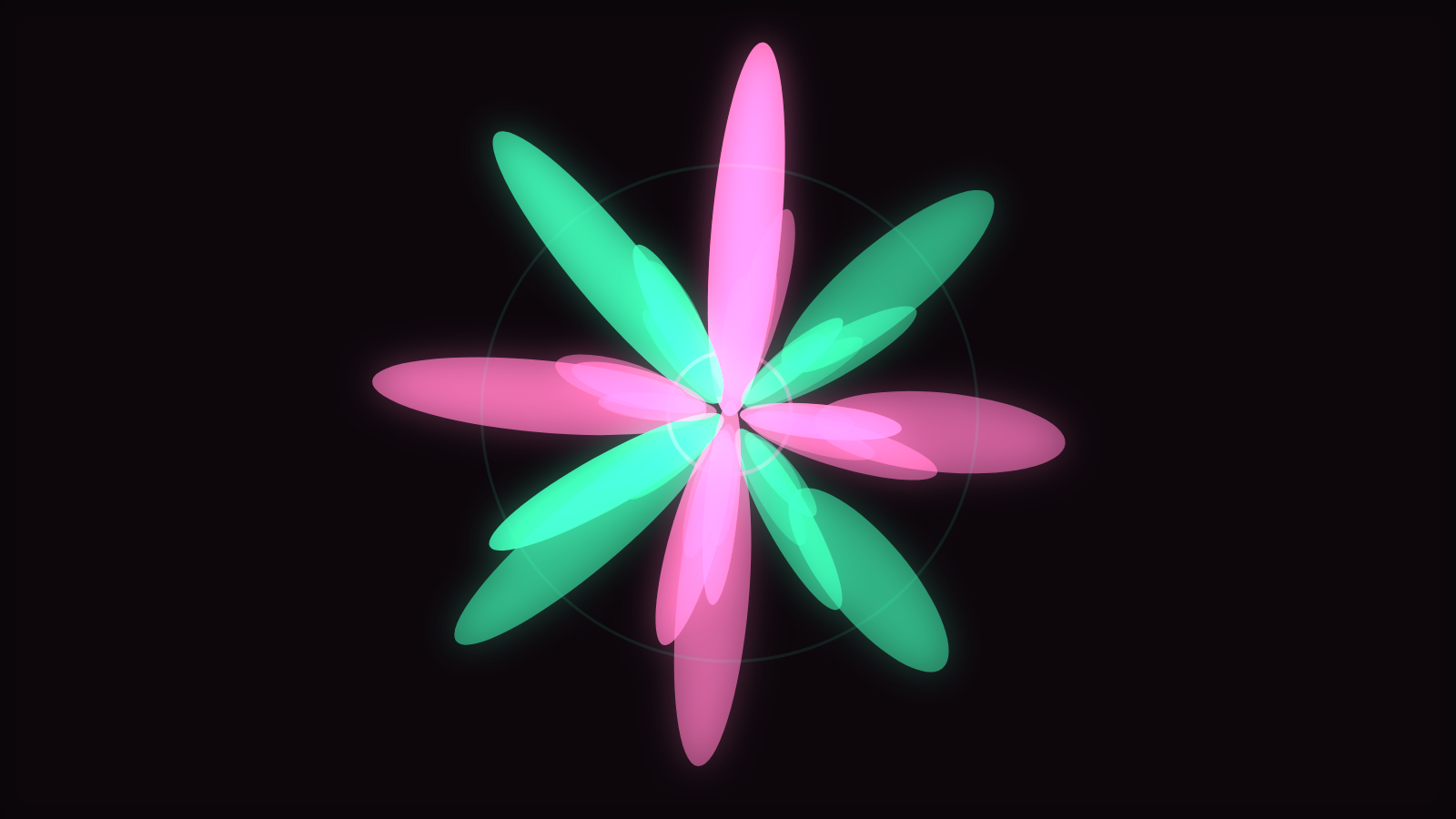
Rubato and brushed drums defeat beat-chasing scenes, so lean on continuous spectral detail instead. Frequency Ridge and Spectral Mesh render harmonic structure as landscape, a ribbon waveform follows dynamics gracefully, and Petal Bloom opens and closes with phrasing.
Settings: the lowest Beat Response in this guide — the continuous motion of the spectrum carries the scene, and a discrete hit landing on a rubato phrase reads as a mistake. Subtle glow, slow rotation, restrained gradient.
The cheat sheet
- EDM / dance — Stacked Bands, Warp Field, Fountain Burst · Beat Response high, shake saved for drops
- Hip-hop / trap — Pulse Orb, Center Mirror, Echo Streaks · Beat Response high, shake low, slow rotation
- Lo-fi — Ink Diffusion, filled waveform · Beat Response low-mid, heavy glow, warm gradient
- Ambient / cinematic — Vine Mycelium, Dust Storm, Ribbon Surface · Beat Response minimal, no shake
- Rock / metal — Oscilloscope Lissajous, 3D Columns, Comet Shower · Beat Response mid-high, restrained glow
- Pop / vocal — Word Wave, Sunburst, Mirrored Area · everything moderate, gradient from cover art
- Classical / jazz — Frequency Ridge, ribbon waveform, Petal Bloom · lowest Beat Response, subtle glow
Genre gets you to a shortlist; your ears finish the job. Open two or three of these picks from the gallery, let the built-in loops play, then take the winner into the editor with your own track — every control above is live there, and the right setting is the one that makes your mix feel inevitable. For the deeper theory of why the same audio drives such different scenes, read How Music Visualizers Work.
Reviewed by the editorial team. Report a correction.
Keep reading
Was this page helpful?
Anonymous. Only this page’s address and your yes/no are recorded, and only if you allowed analytics cookies.
Ready to make your own?
Open the editor, drop in a track, and export a watermark-free video — free, no account.
Open the Editor